 Join Sing It
Step-by-step
How Join Sing It works
From registration to a live karaoke night — here is the full flow using the real Join Sing It web app. Host on TV or browser; guests control the queue from their phones.
- 01
Create your account
Register with your mobile number, pick a daily, weekly, or monthly plan, and submit your payment proof.
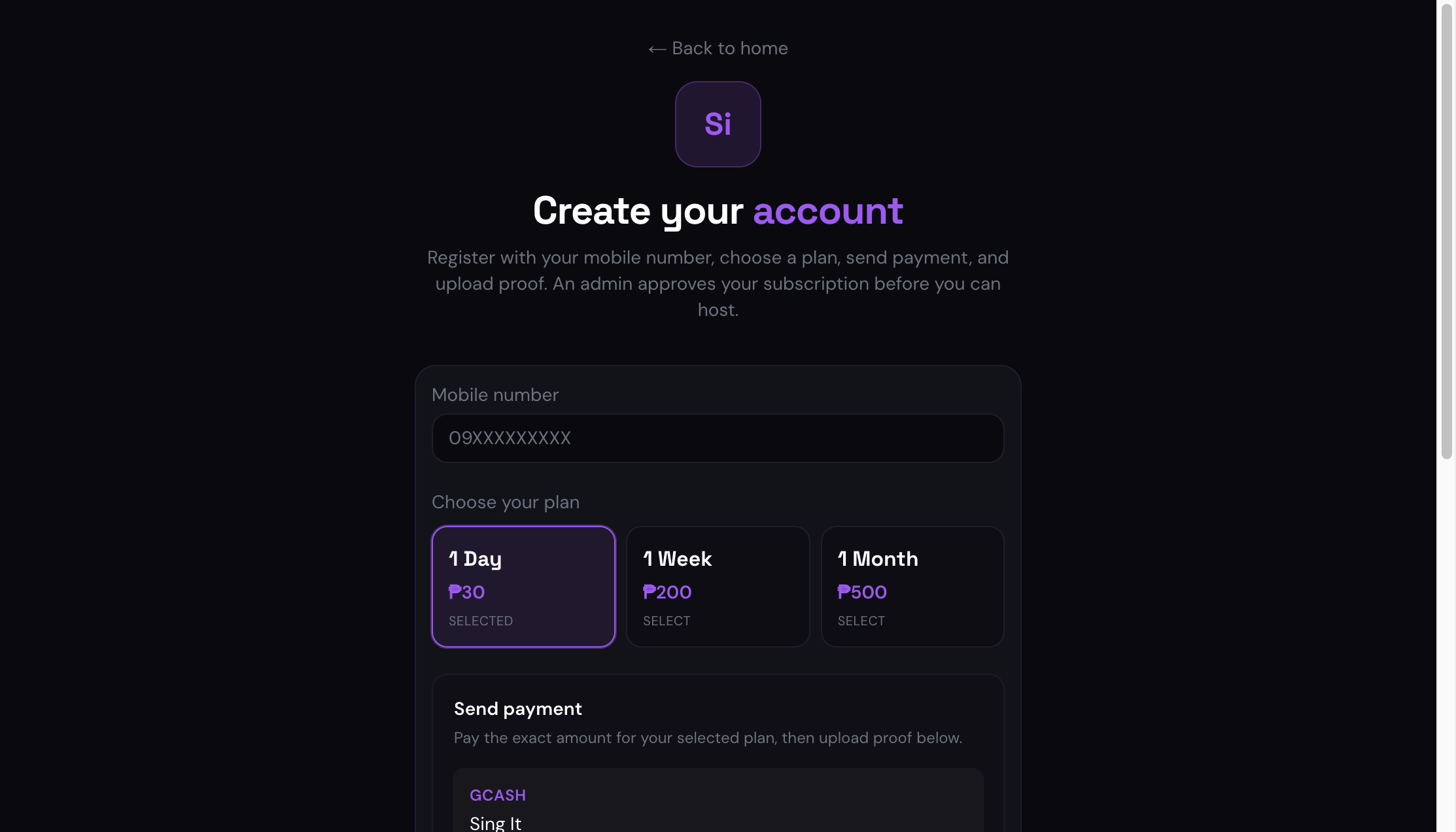
Join Sing It registration page with mobile number, plan picker, and payment upload - 02
Wait for admin approval
Your venue admin reviews payment and activates your subscription. Until then, the host screen shows your pending status.
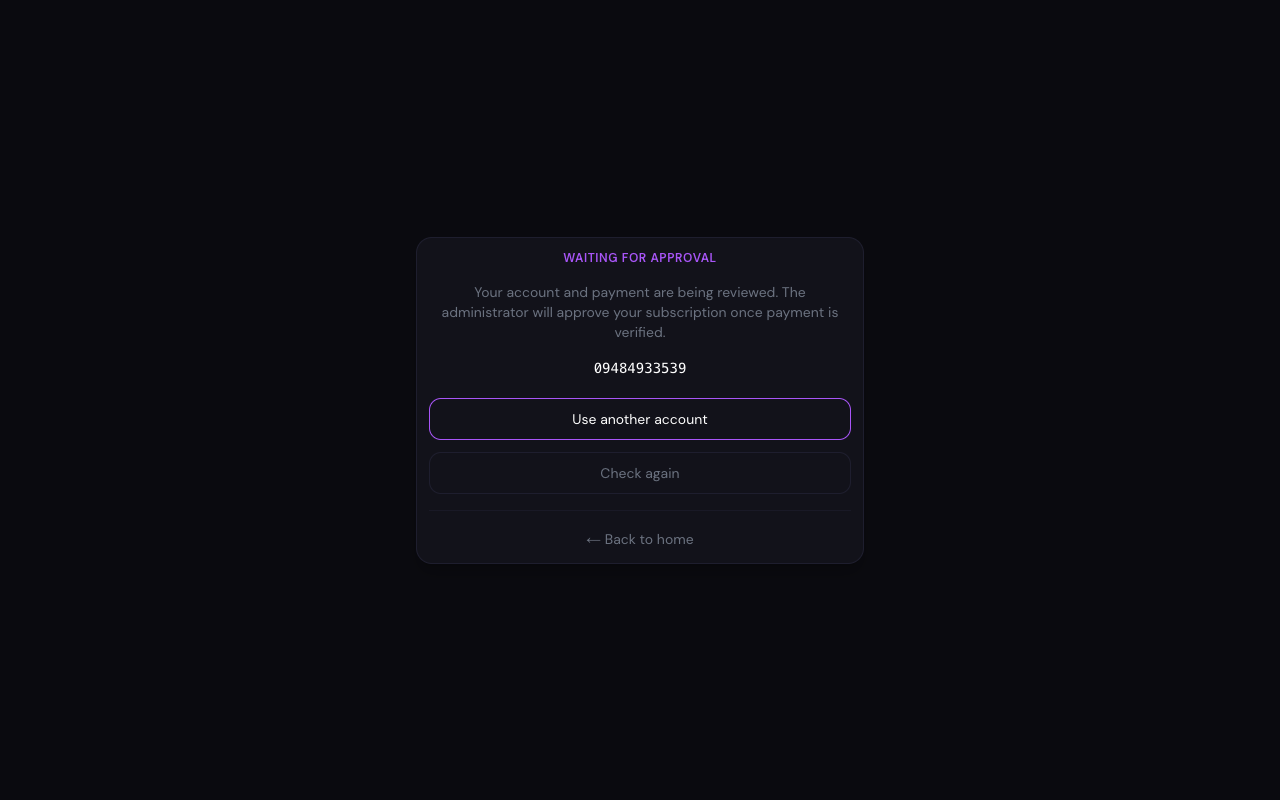
Web host screen showing subscription pending approval - 03
Open the host jukebox
On Android TV, phone, or in your browser, sign in with the same mobile number you registered. No guest app is required on the host device.
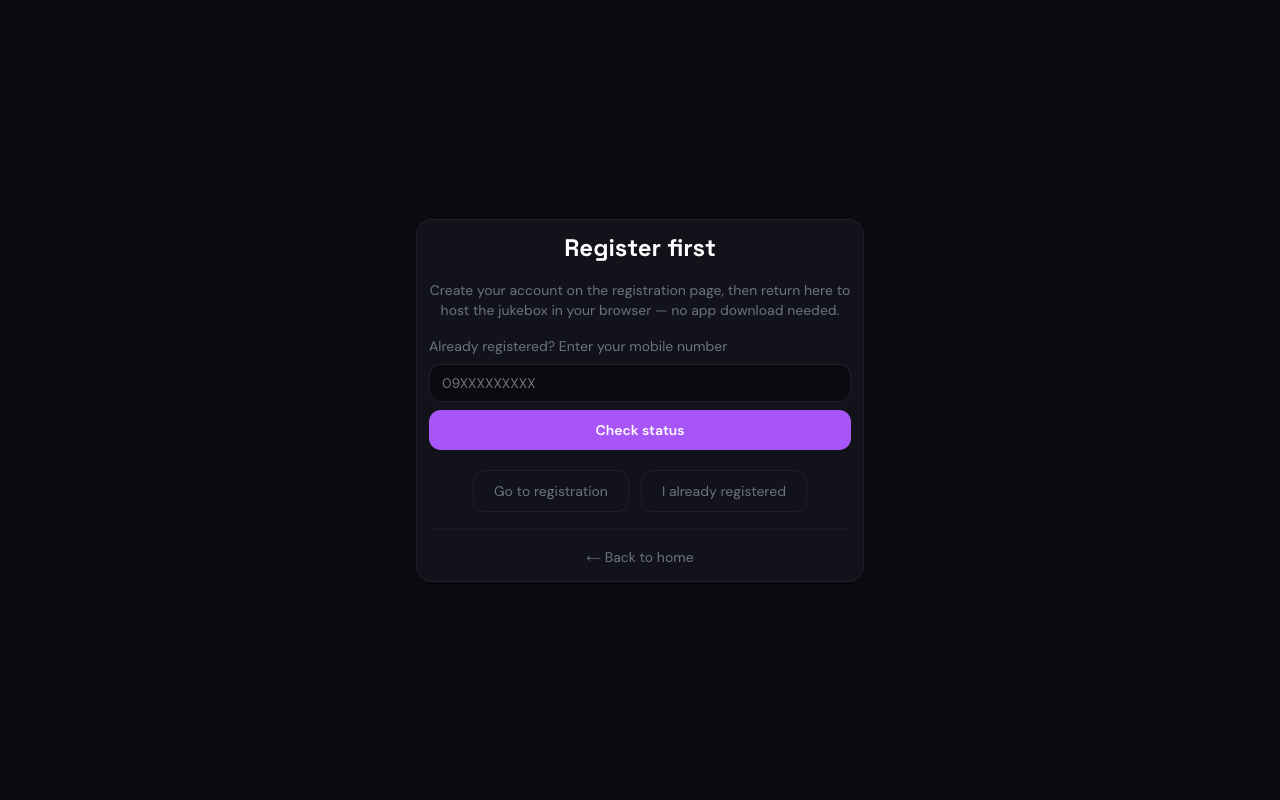
Web jukebox host sign-in screen with mobile number field - 04
Start the room
Tap Start jukebox to create a live session. A QR code and room code appear on screen — that is what guests scan to join.
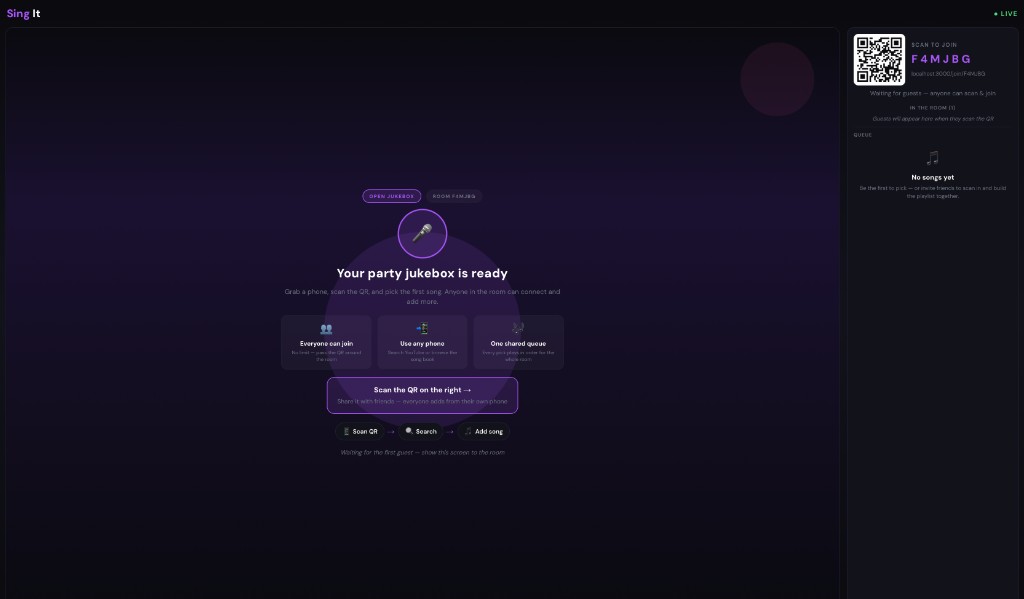
Live web jukebox host with QR code, room code, guest list, and queue panel - 05
Guests scan and join
Anyone in the room scans the QR or opens the join link on their phone. They pick a nickname — no account or app install needed.

Guest join screen asking for a nickname to enter room - 06
Search and queue songs
Guests browse the song book or search YouTube, then add picks to the shared queue. Everyone sees updates in real time on the host screen.
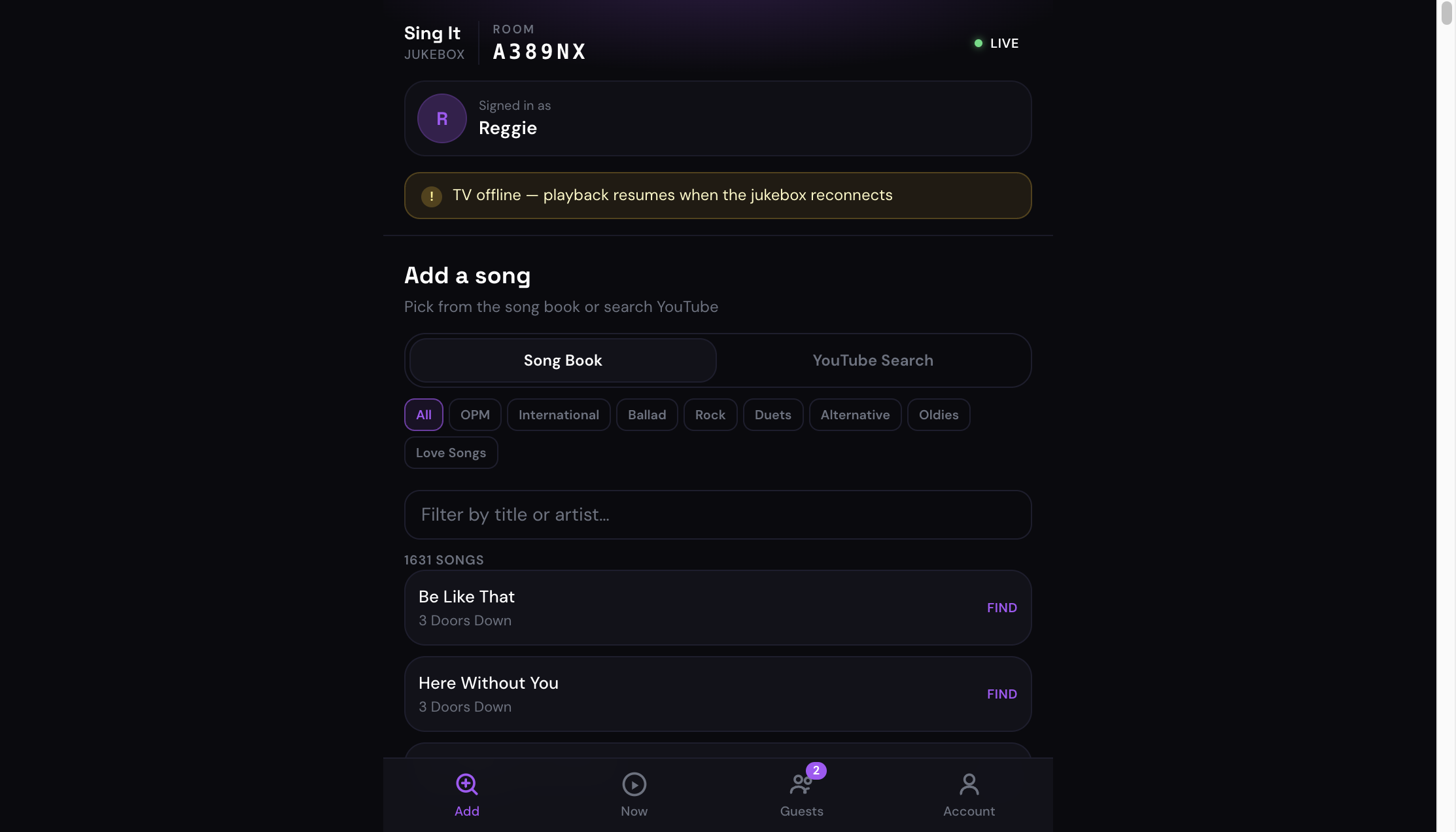
Guest phone controller with song book, filters, and queue actions
Ready to try it?
Register your account, get approved, then host in your browser or on Android TV.